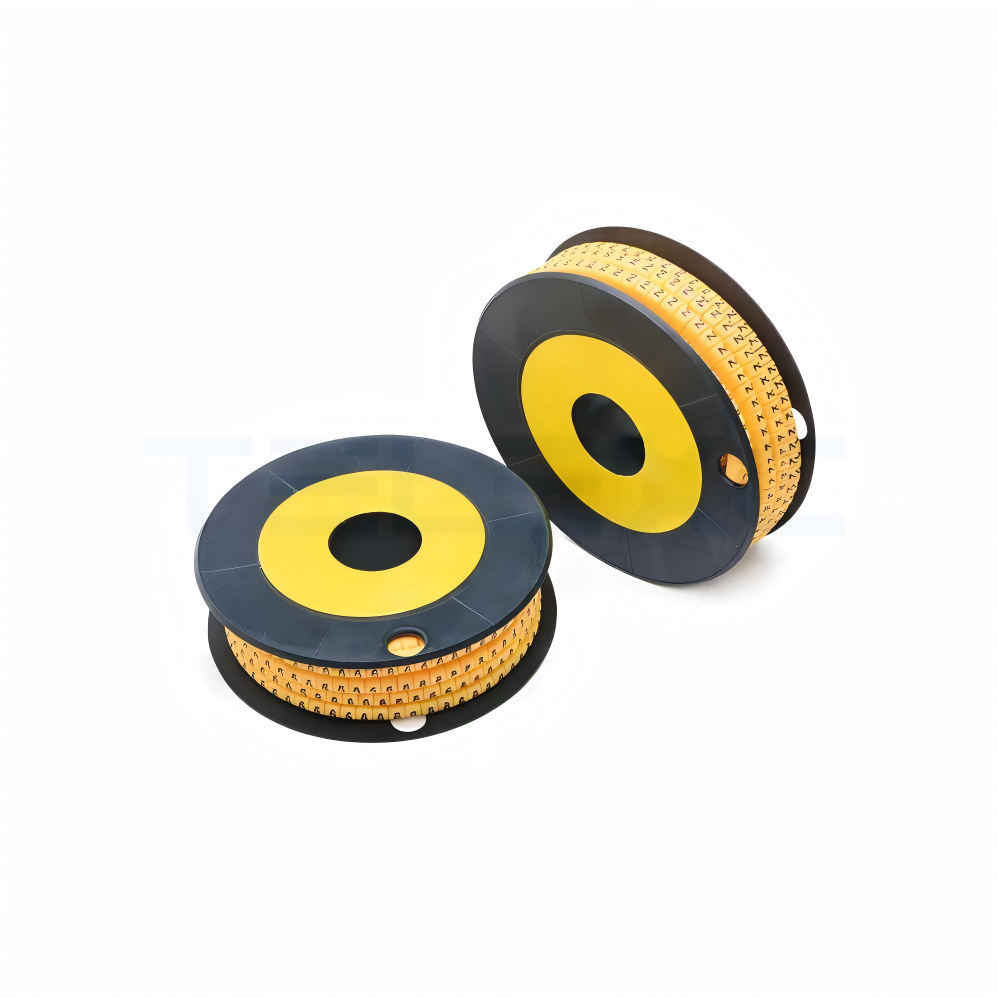
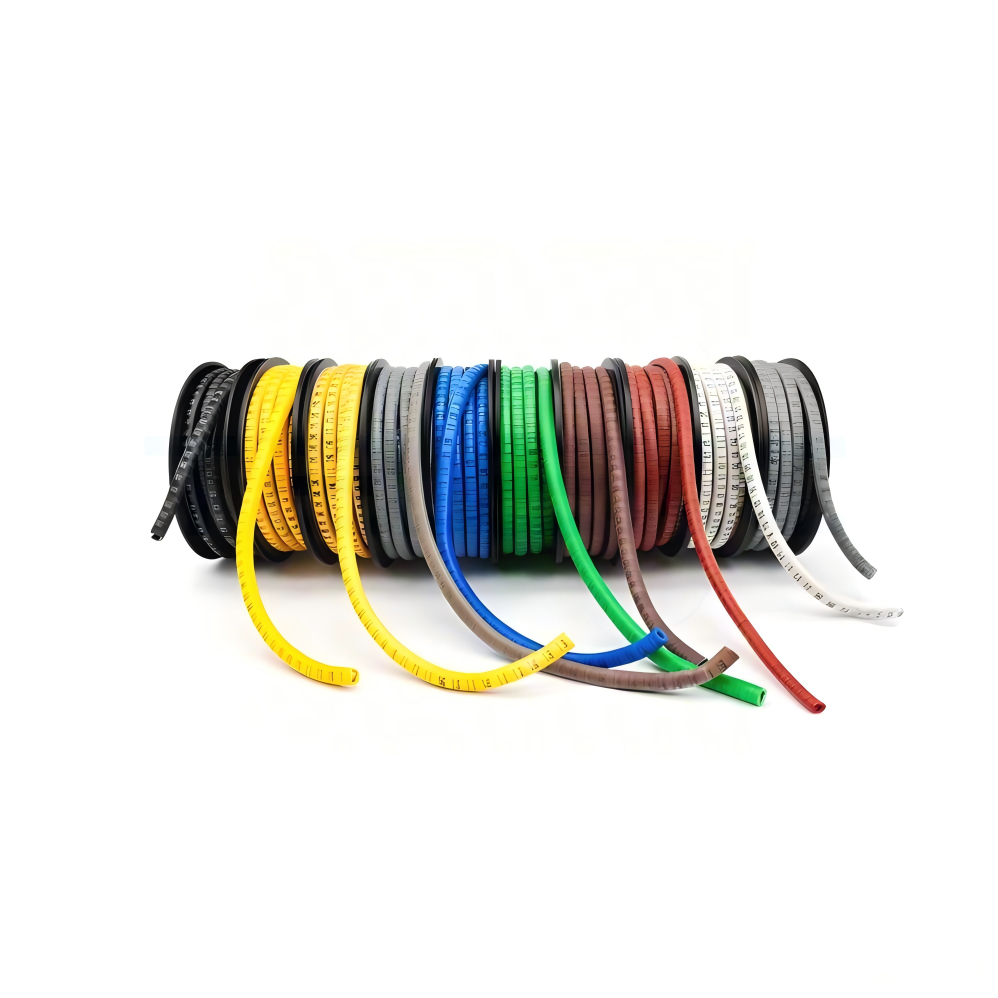

The EC cable markers are premium-quality slide-on identification sleeves designed for efficient cable and wire marking across electrical, telecom, and industrial applications. Manufactured from soft-grade PVC, these markers provide flexibility, durability, and long service life.
The markers feature a high-contrast yellow body with bold black printing for clear visibility. Resistant to oil, grease, and abrasion, they perform reliably in demanding environments. Supplied in roll format, they ensure quick installation and organized handling.
Available in multiple sizes (EC-0 to EC-3 and FM series), TX cable markers accommodate a wide range of cable diameters, making them a versatile solution for professional cable management.
International Standard Compliance
- CE Certified – Meets European safety and performance requirements
- RoHS Compliant – Free from restricted hazardous substances
- ISO 9001 Certified – Controlled manufacturing quality system
- Environmental Compliance – Suitable for industrial and electrical applications
- Optional Flame Retardant Grade – Available on request for specific projects
Construction & Materials
Soft PVC Body
Provides flexibility and long-lasting performance without cracking or hardening.
Concave Inner Design
Ensures a firm grip on the cable surface and prevents slippage during use.
Elastic Inner Diameter
Adapts to different cable sizes for secure and stable fitting.
Abrasion-Resistant Surface
Maintains print clarity even in rough industrial environments.
Heat-Resistant Structure
Designed to perform reliably up to 85°C operating temperature.
Installation Guide
Step 1: Select the correct size
Choose EC marker type according to cable diameter.
Step 2: Prepare Cable
Ensure the cable surface is clean, dry, and free from dust or oil.
Step 3: Slide Marker
Insert the marker onto the cable before installing the terminal or connector.
Step 4: Arrange Sequence
Position numbers or letters in the required identification order.
Step 5: Final Check
Verify alignment, visibility, and proper placement after installation.