
Rack mount Fiber Patch Panel
A Rack-Mount Fiber Optic Patch Panel is a passive fiber management unit for equipment racks and cabinets. It provides a central point for fiber termination, patching, splicing, and cable management.
… Load moreShowing 1–12 of 14 results
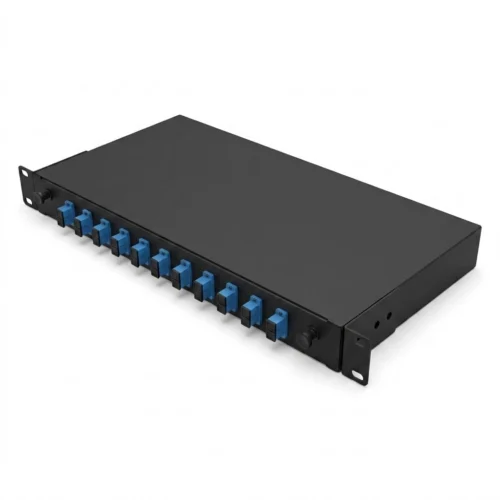
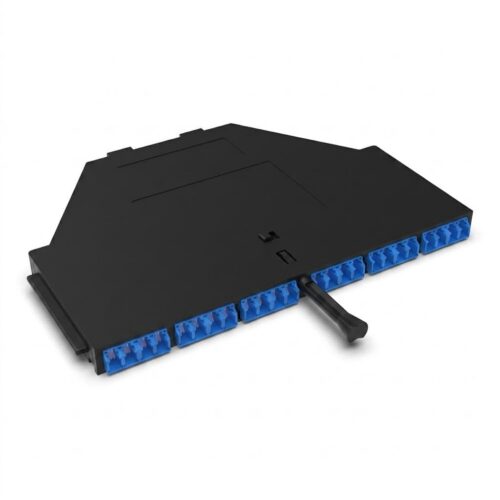
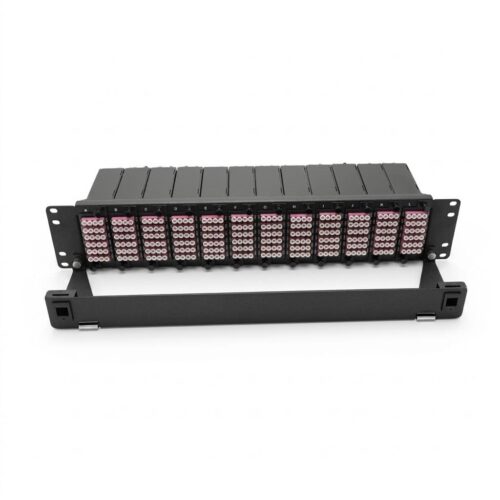
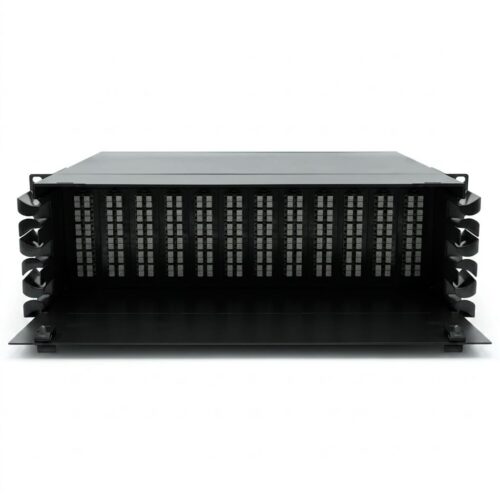
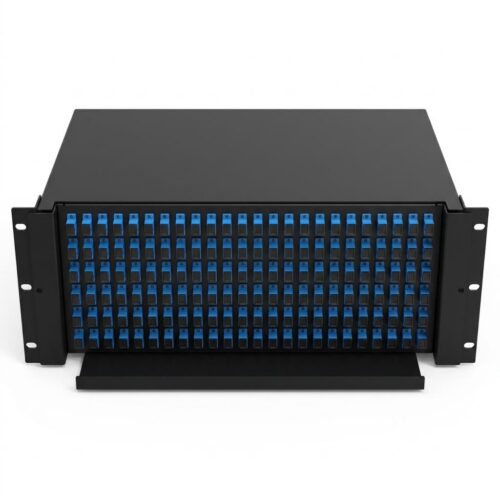
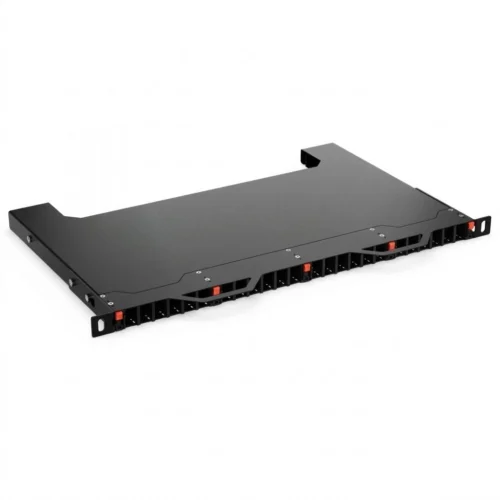
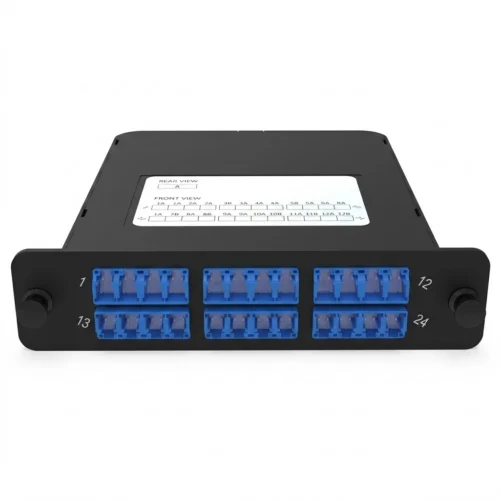
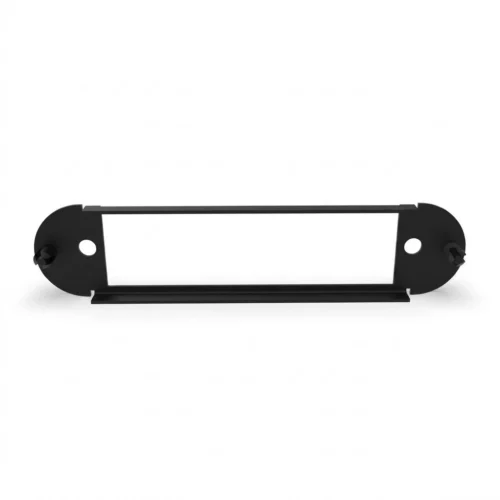
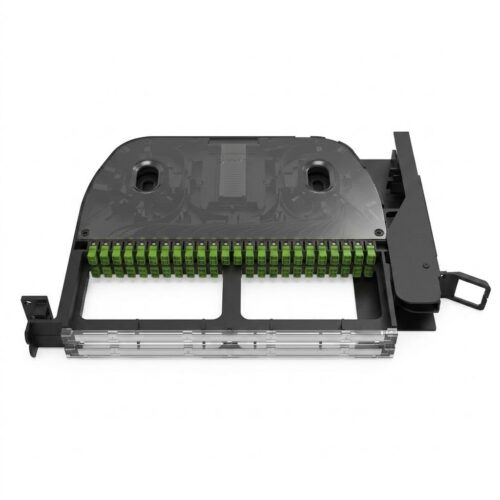
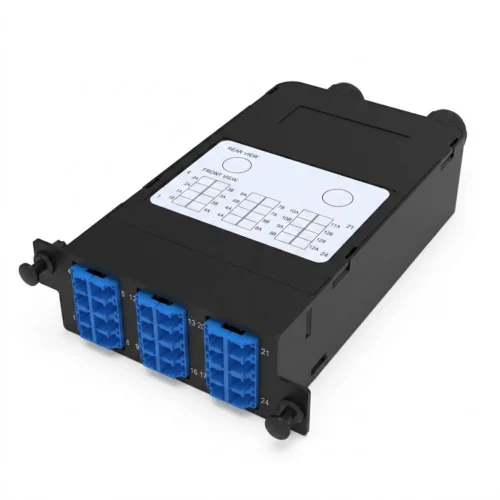
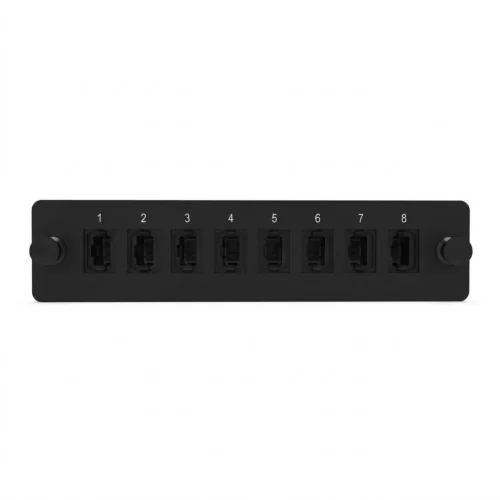
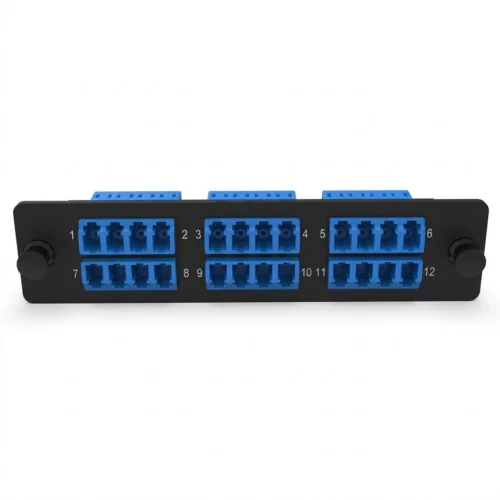
Rack-mount patch panels support organized fiber connections in data centers, telecom rooms, ISP networks, enterprise networks, and fiber distribution facilities.
They help technicians identify, access, test, and maintain fiber connections. They also provide a structured platform for future network expansion.
What Is a Rack-Mount Fiber Optic Patch Panel?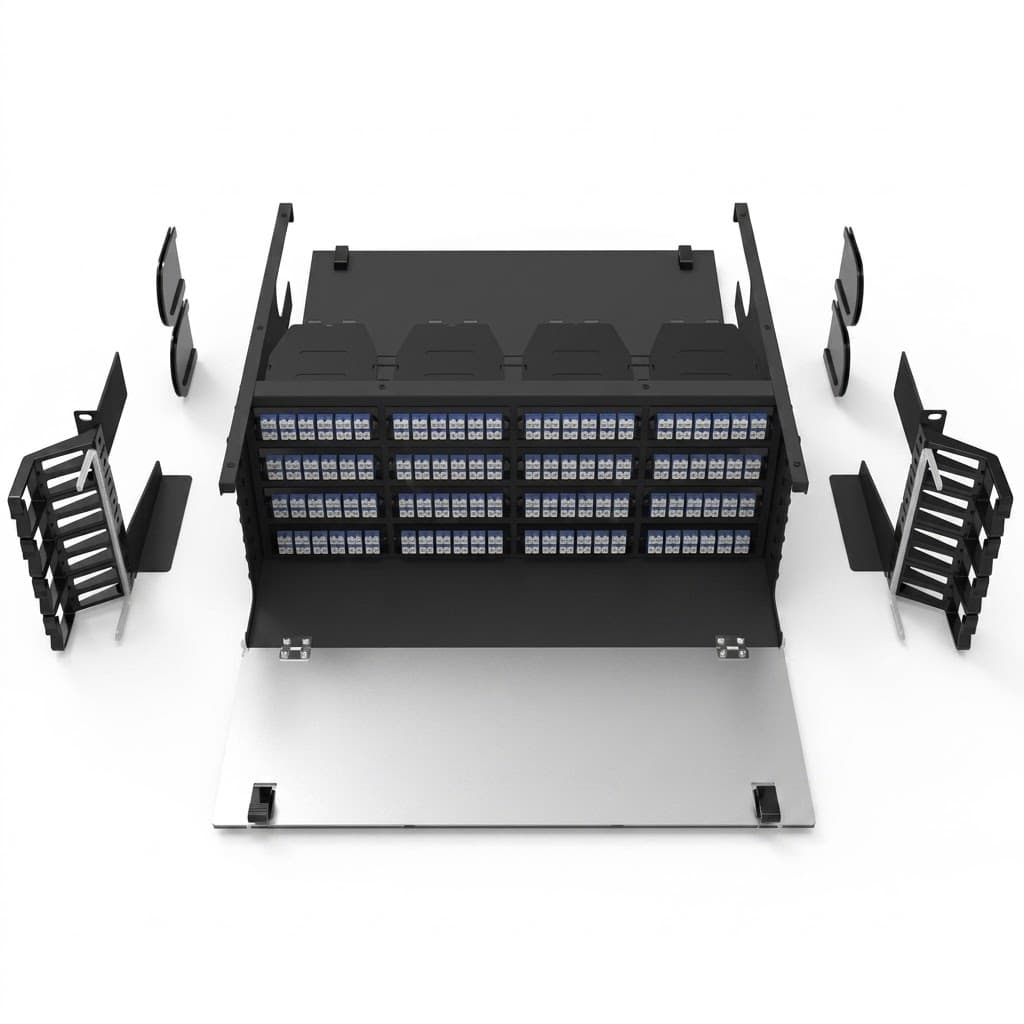
A rack-mount fiber optic patch panel mounts inside a standard equipment rack or cabinet. The panel provides positions for fiber optic adapters and connectors.
Some designs also include splice trays, pigtails, and fiber storage areas. These features allow the panel to manage both terminated and spliced fibers.
A typical fiber connection follows this path:
Incoming Fiber Cable → Splicing / Termination → Adapter Panel → Fiber Patch Cord → Optical Equipment
This layout separates permanent cable connections from flexible patching. Technicians can then change or test patch connections without disturbing the main fiber cable.
Key Components of a Rack-Mount Fiber Patch Panel
The exact design varies by application. However, most rack-mount fiber patch panels use several common components.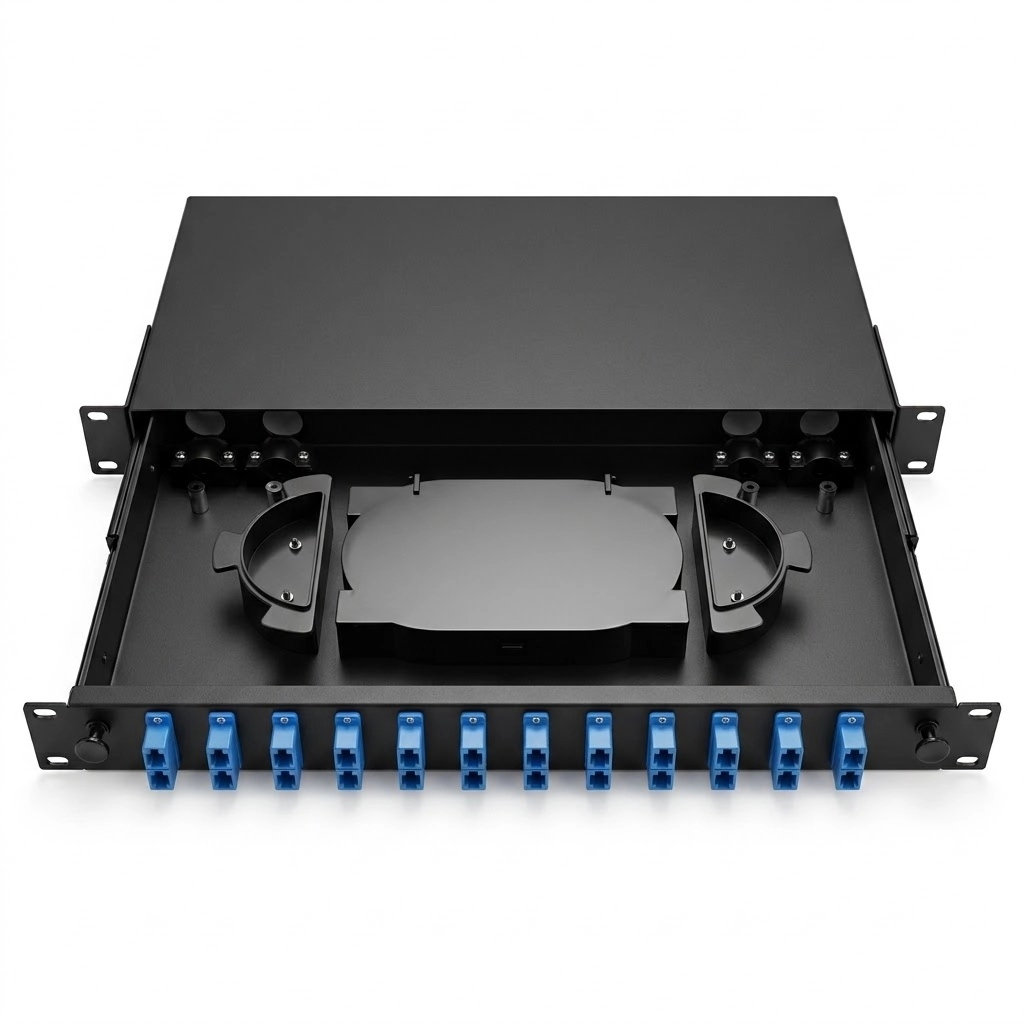
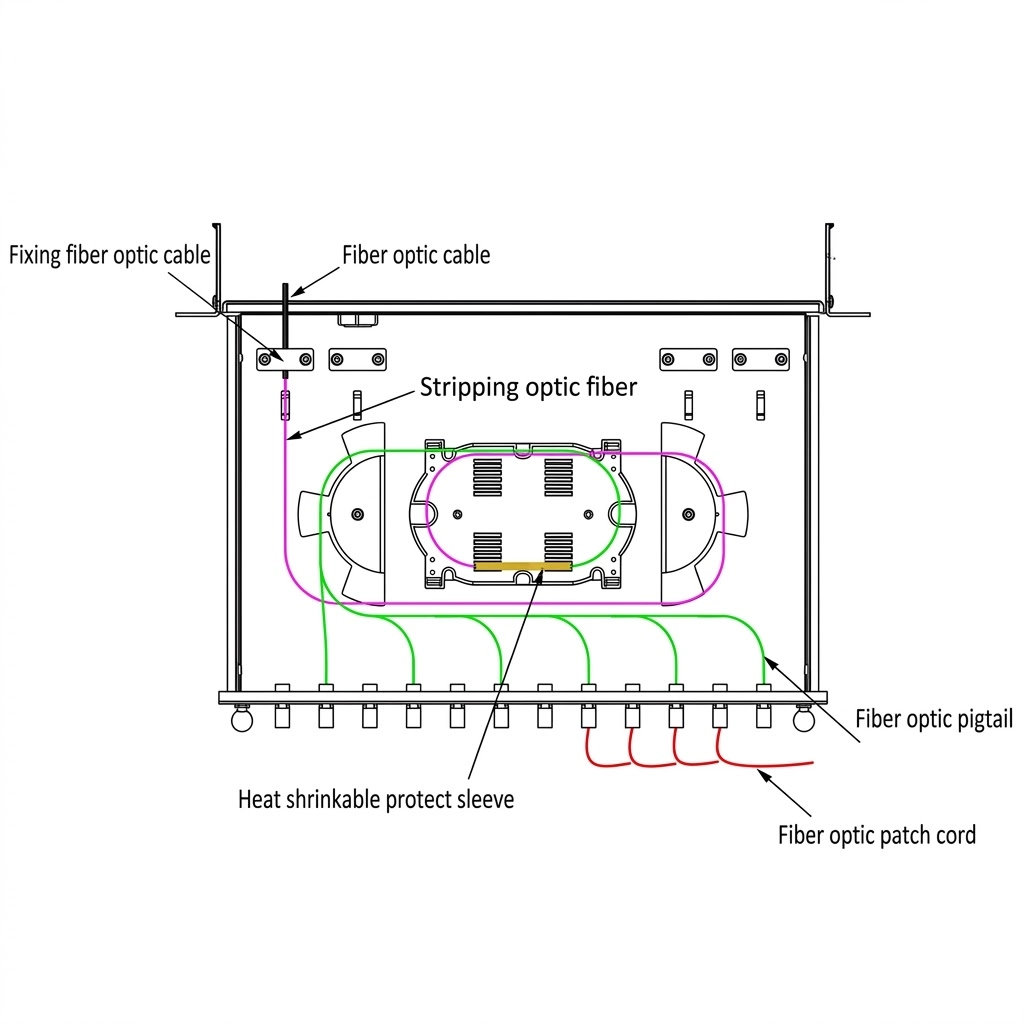
1. Housing and Rack-Mount Frame
The housing protects the internal fiber connections. It also provides the main mounting structure.
The rack-mount frame secures the panel inside a fiber cabinet or equipment rack. Different designs support different rack heights and installation requirements.
Compact panels often use 1U or 2U rack space. Larger systems can use more rack space when the network requires higher fiber capacity.
2. Fiber Adapter Panels
Fiber adapter panels hold the fiber optic adapters. They provide the interface for connecting fiber connectors.
Common adapter types include:
- LC adapters
- SC adapters
- FC adapters
- ST adapters
- MTP/MPO adapters
The adapter type should match the connectors used in the fiber network.
3. Splice Trays
Some rack-mount patch panels include fiber splice trays.
Splice trays organize and protect fusion or mechanical splices. They also provide controlled fiber routing inside the enclosure.
A splice tray can hold multiple fiber splices. The actual splice capacity depends on the panel and tray design.
4. Cable Management
Good cable management keeps fiber connections organized.
A rack-mount patch panel may include:
- Cable entry points
- Routing guides
- Strain-relief features
- Fiber slack storage
- Internal routing channels
- Patch cord management
These features help technicians route fibers safely. They also reduce cable congestion and unnecessary fiber movement.
5. Mounting Brackets
Mounting brackets attach the patch panel to the equipment rack.
They keep the panel secure during installation and maintenance. Some designs also use adjustable brackets for different rack depths.
Types of Rack-Mount Fiber Patch Panels
Rack-mount patch panels come in several mechanical designs. The three common types are fixed, sliding, and modular panels.
Fixed Fiber Patch Panels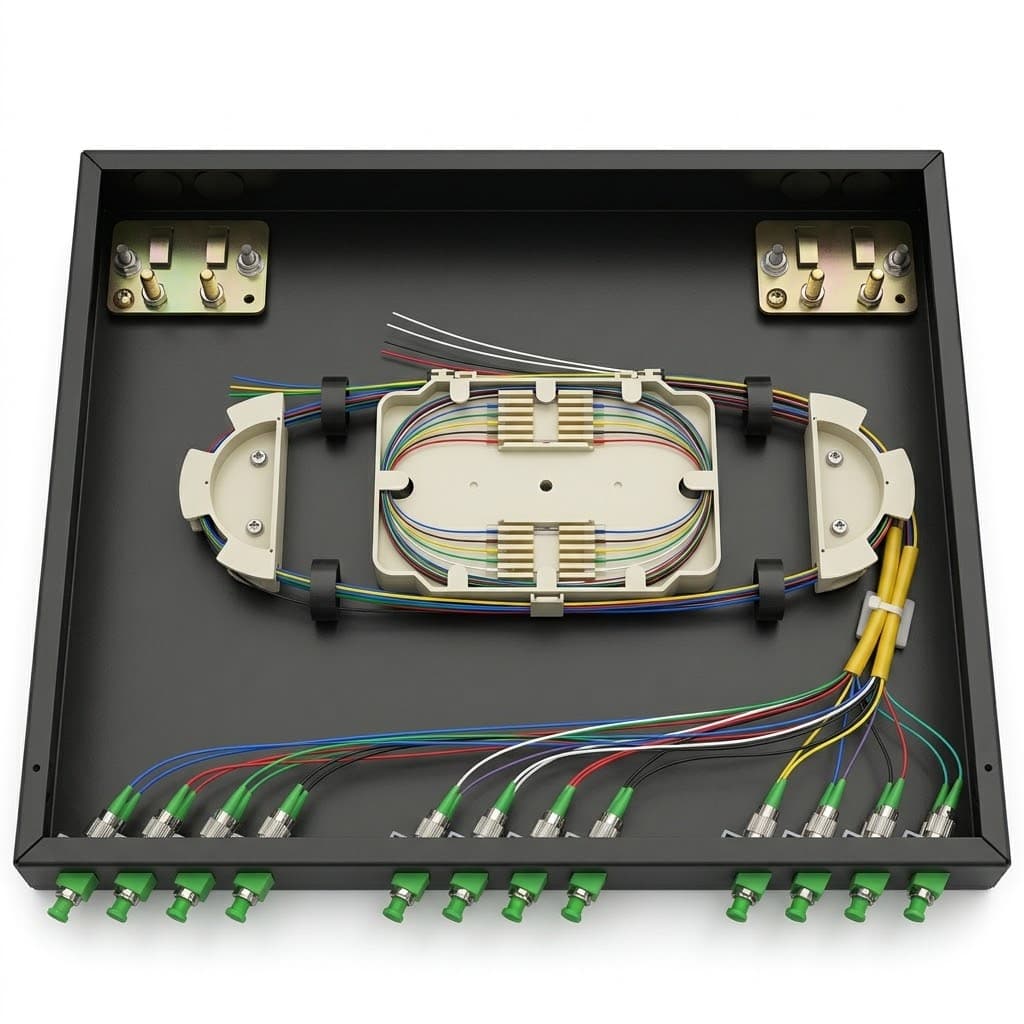
A fixed fiber patch panel uses a stationary housing. The adapter panel remains in a fixed position.
This design provides a simple solution for fiber termination and patching.
Fixed panels work well in installations that require limited access to the internal fiber area.
Sliding Fiber Patch Panels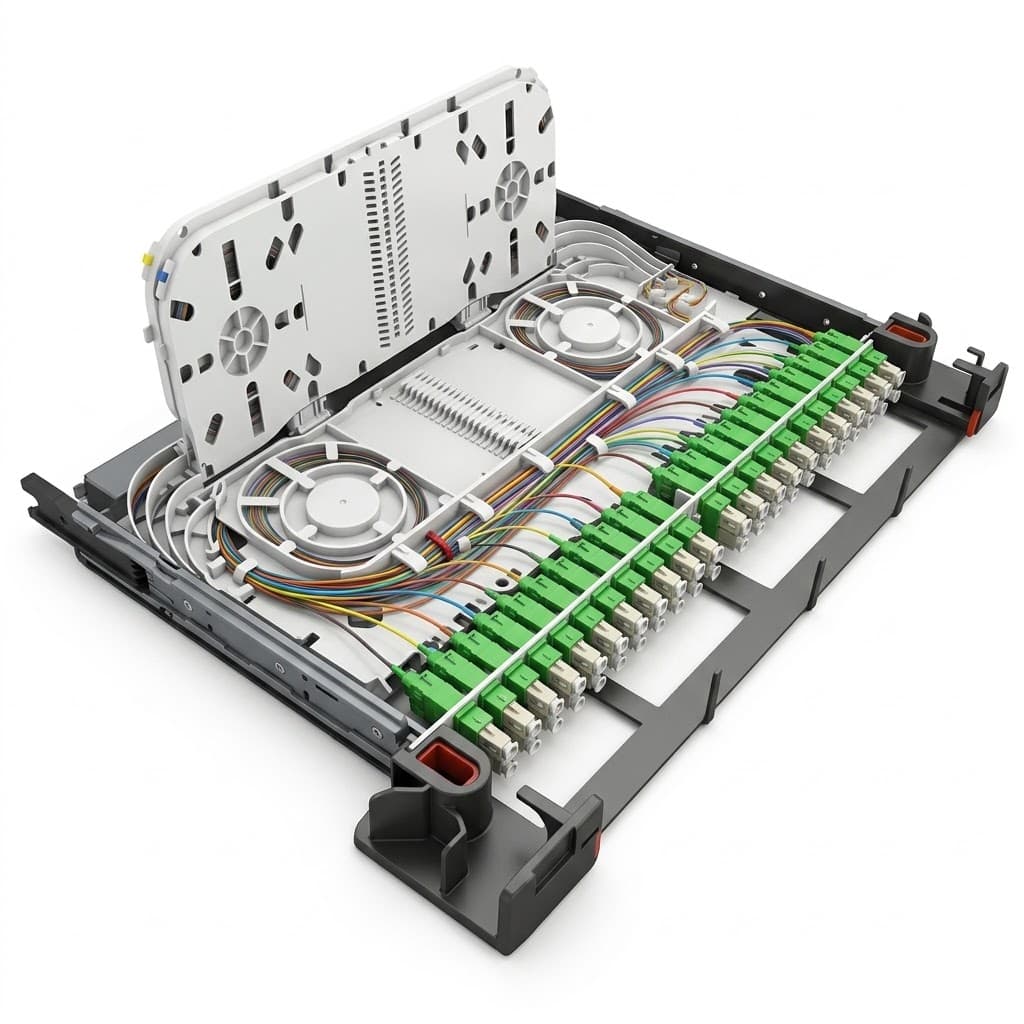
A sliding fiber patch panel uses a pull-out tray or drawer.
Technicians can slide the tray forward to access the internal fiber connections. This design makes installation and maintenance easier.
A sliding panel can provide convenient access to:
- Fiber adapters
- Splice trays
- Pigtails
- Fiber routing
- Fiber slack storage
This design suits networks that require regular testing or reconfiguration.
Modular Fiber Patch Panels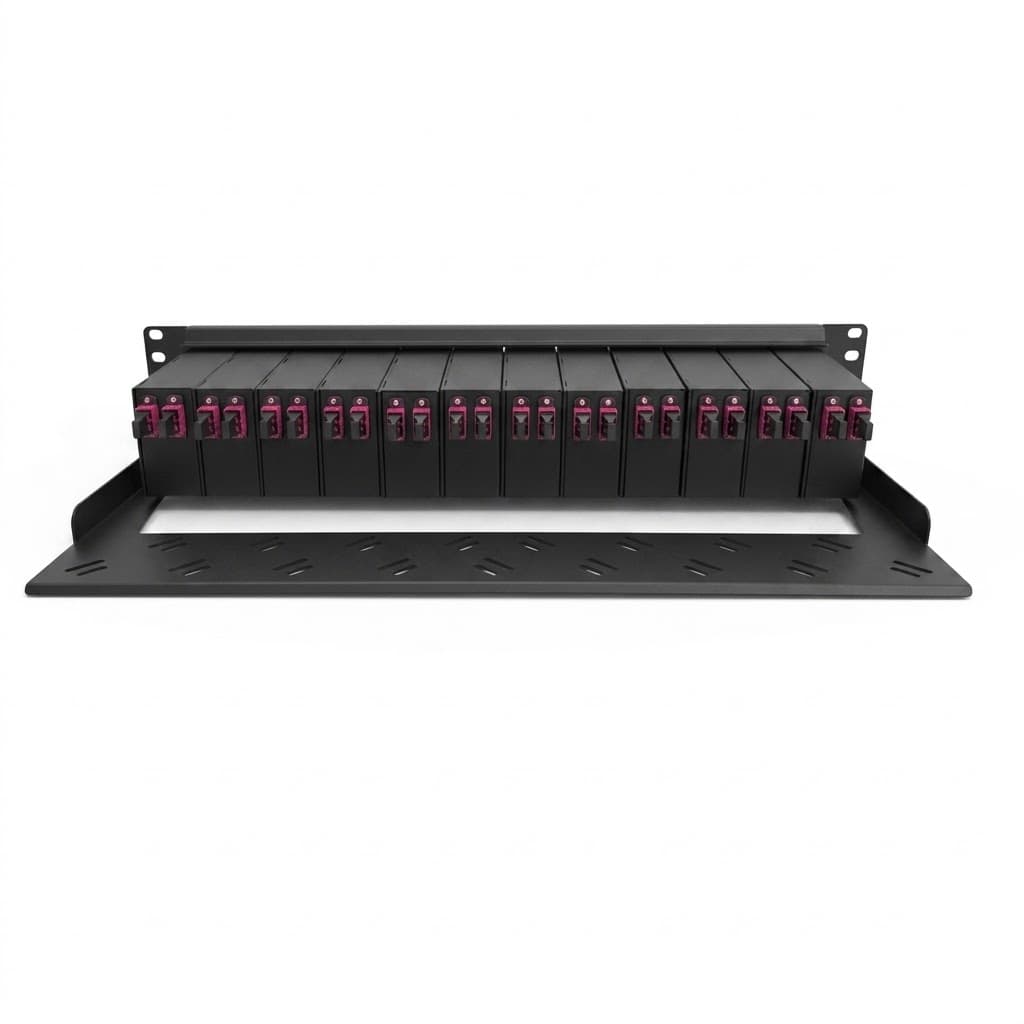
A modular fiber patch panel uses removable adapter panels or modules.
Technicians can change the module configuration when network requirements change. Different modules can support different connector types or fiber management functions.
This design provides greater flexibility for growing fiber networks.
Fiber Adapter Options
The adapter type affects the connection density and compatibility of the patch panel.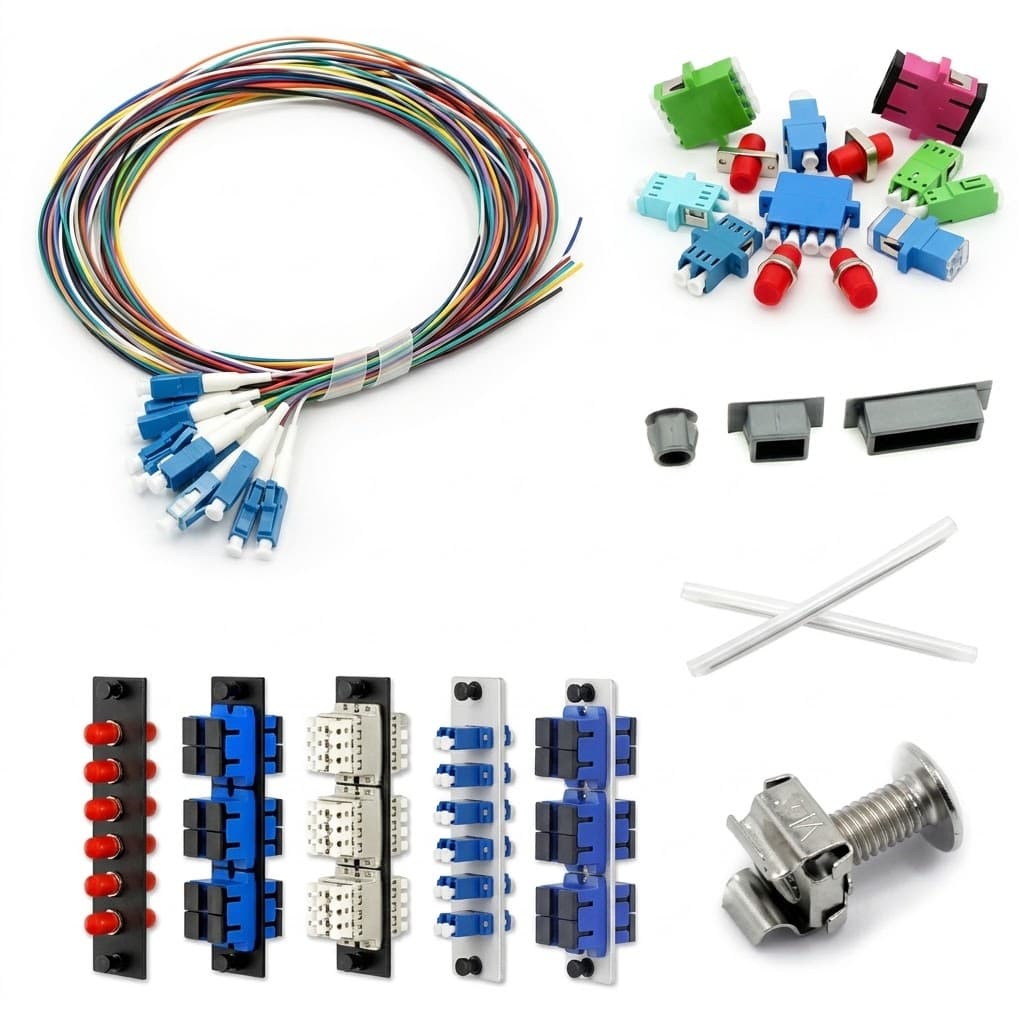
LC Adapter
LC adapters use a compact connector design. They work well in high-density fiber applications.
Their small size allows more connections within limited rack space.
SC Adapter
SC adapters use a larger connector body than LC adapters. They provide a simple push-pull connection.
SC connections are common in telecommunications and fiber access networks.
FC Adapter
FC adapters use a threaded coupling mechanism. This design provides a secure connector interface.
FC adapters are common in applications that require stable and precise fiber connections.
MTP/MPO Adapter
MTP/MPO adapters support multi-fiber connections.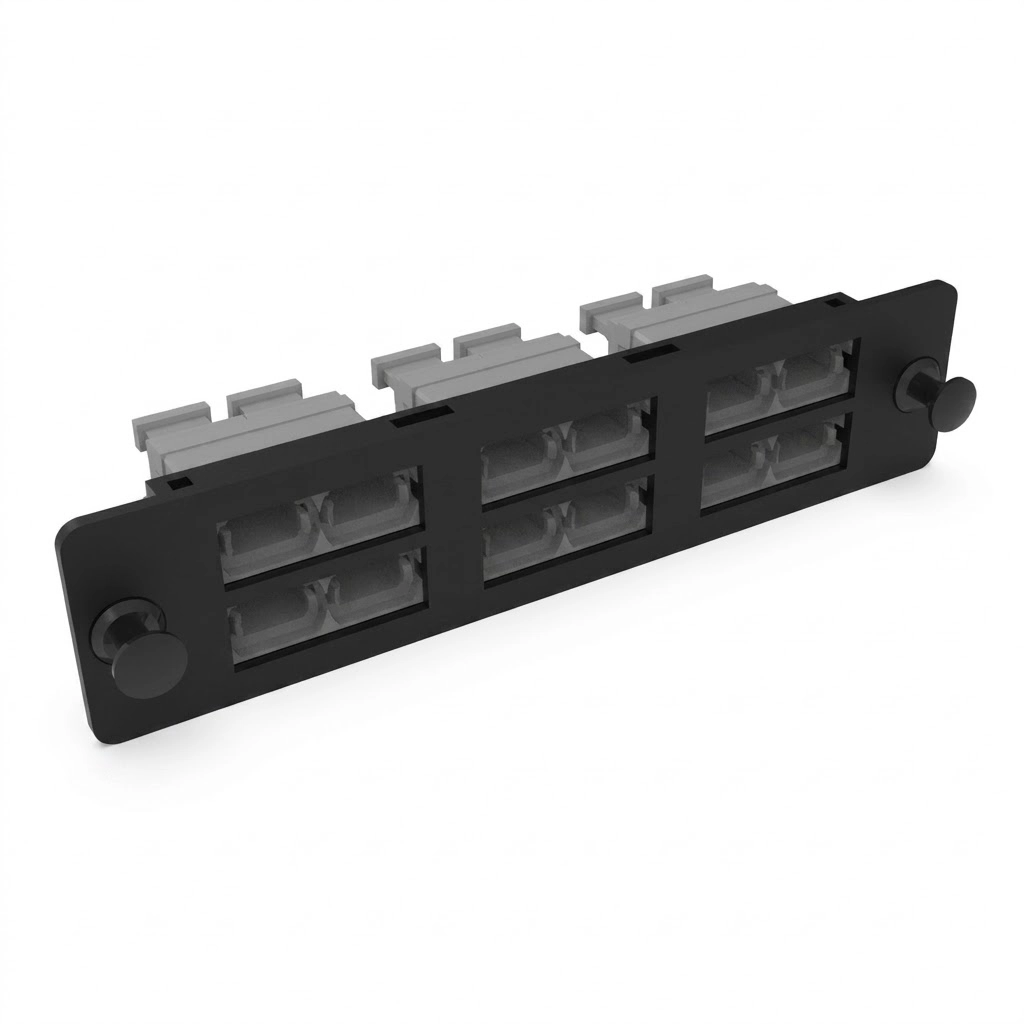
They are common in high-density data center and backbone applications. One multi-fiber connection can carry multiple optical fibers.
This approach can reduce cable density and simplify high-capacity fiber connections.
Why Is Fiber Management Important?
Fiber management plays an important role in network reliability and maintenance.
A well-organized patch panel helps technicians route and identify fibers. It also reduces unnecessary stress on fiber cables.
Maintain Proper Fiber Routing
Fiber cables have specific bend-radius requirements. Excessive bending can increase optical loss and may damage the fiber.
A good patch panel provides controlled routing and storage areas. These features help technicians manage fiber without sharp bends.
Reduce Cable Stress
Uncontrolled patch cords can become tangled or pulled during maintenance.
Proper cable management keeps the fibers in defined paths. It also reduces unnecessary pulling, twisting, and bending.
Simplify Maintenance
A centralized patching point makes fiber connections easier to find.
Technicians can access individual connections without disturbing the entire fiber system. This can reduce maintenance time and simplify troubleshooting.
Support Network Expansion
Fiber networks often grow over time.
A scalable patch panel provides space and structure for additional connections. Modular designs can also make future changes easier.
Rack-Mount vs. Wall-Mount Fiber Patch Panels
Rack-mount and wall-mount fiber enclosures serve similar fiber management functions. However, they suit different installation environments.
| Feature | Rack-Mount Patch Panel | Wall-Mount Fiber Enclosure |
|---|---|---|
| Installation | Equipment rack or cabinet | Wall |
| Typical use | Data centers and telecom rooms | Telecom closets and compact sites |
| Fiber density | Generally higher | Generally lower |
| Rack space | Required | Not required |
| Maintenance | Front or sliding access | Direct wall access |
| Expansion | Well suited to rack-based networks | Suitable for smaller networks |
Choose a rack-mount patch panel when the network uses equipment racks or requires high-density fiber management.
Choose a wall-mount fiber enclosure when the installation has limited rack space or requires a compact wall-mounted solution.
Rack-Mount Patch Panel Applications
Rack-mount fiber patch panels support many types of fiber optic networks.
Common applications include:
- Data centers
- Telecommunications rooms
- ISP networks
- FTTH and FTTx networks
- Enterprise networks
- Fiber backbone networks
- Network distribution facilities
- CATV networks
- Structured fiber cabling systems
In these applications, the patch panel creates a central point for fiber termination and patching.
It also helps technicians manage patch cords and internal fiber routing.
How to Choose a Rack-Mount Fiber Patch Panel
Consider several factors before selecting a rack-mount patch panel.
Fiber Capacity
First, determine the required number of fiber connections.
High-density networks may need a larger panel or a modular configuration.
Connector Type
Select the adapter configuration based on the network connectors.
Common options include LC, SC, FC, ST, and MTP/MPO.
Splicing Requirements
Determine whether the installation requires fiber splicing.
If technicians need to splice incoming cables to pigtails, choose a panel with suitable splice management.
Rack Compatibility
Check the rack size and available rack space before installation.
The patch panel should match the rack or cabinet used by the network.
Maintenance Access
Consider how often technicians will access the fiber connections.
A sliding design can provide easier access for networks that require frequent testing or reconfiguration.
Future Expansion
Consider future fiber requirements as well as current capacity.
A modular or scalable panel can simplify network expansion and reduce the need for major changes later.
Rack-Mount Fiber Patch Panel for Fiber Network Management
A Rack-Mount Fiber Optic Patch Panel provides a structured platform for fiber termination, patching, splicing, and cable management.
It keeps fiber connections in a central and accessible location. It also helps technicians maintain clear fiber routing and organized patch cords.
For data centers, telecom rooms, ISP networks, FTTH/FTTx deployments, and other high-density fiber applications, a rack-mount patch panel provides a practical solution for centralized fiber management.
Conclusion
A Rack-Mount Fiber Optic Patch Panel is an important passive component in structured fiber optic infrastructure.
It provides a central location for fiber termination and patching. It also helps protect and organize optical connections.
Fixed, sliding, and modular designs meet different installation requirements. LC, SC, FC, ST, and MTP/MPO adapters support different fiber connector configurations.
When selecting a rack-mount patch panel, consider fiber capacity, connector type, splicing requirements, rack compatibility, cable management, maintenance access, and future expansion.
A suitable configuration can make fiber networks easier to install, maintain, test, and expand.